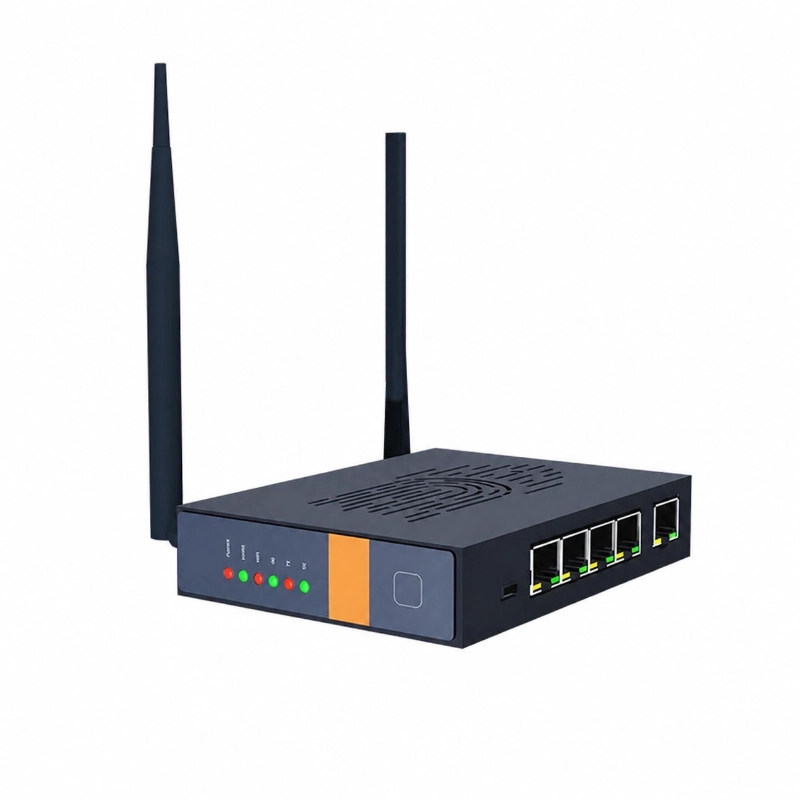
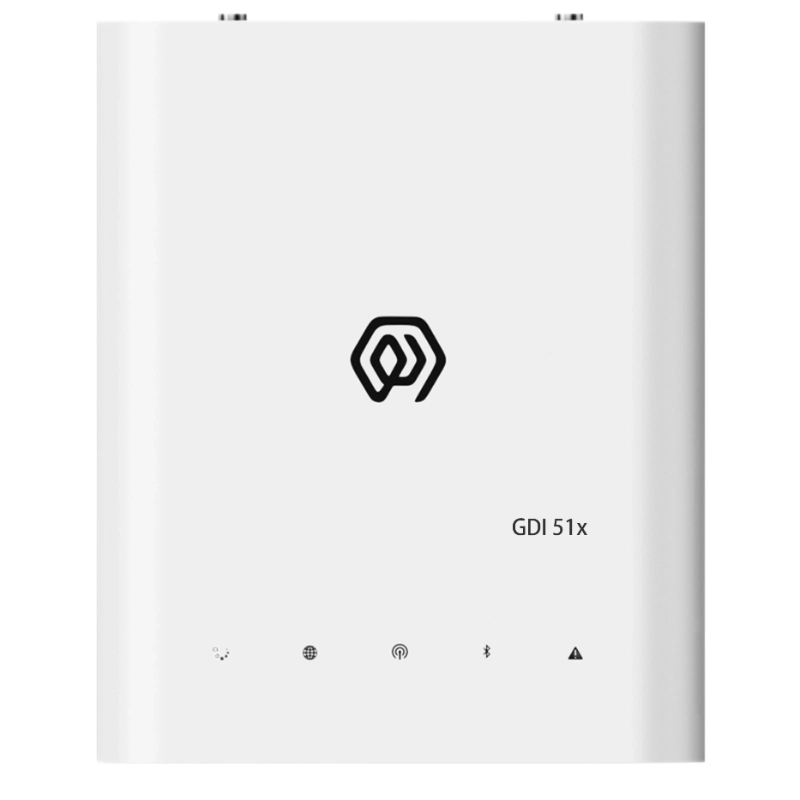
RS485 / RS232 Serial Communication • LoRaWAN Wireless Transmission • Scheduled Data Polling • Conditional Reporting • Transparent Transmission • DIN-Rail Installation
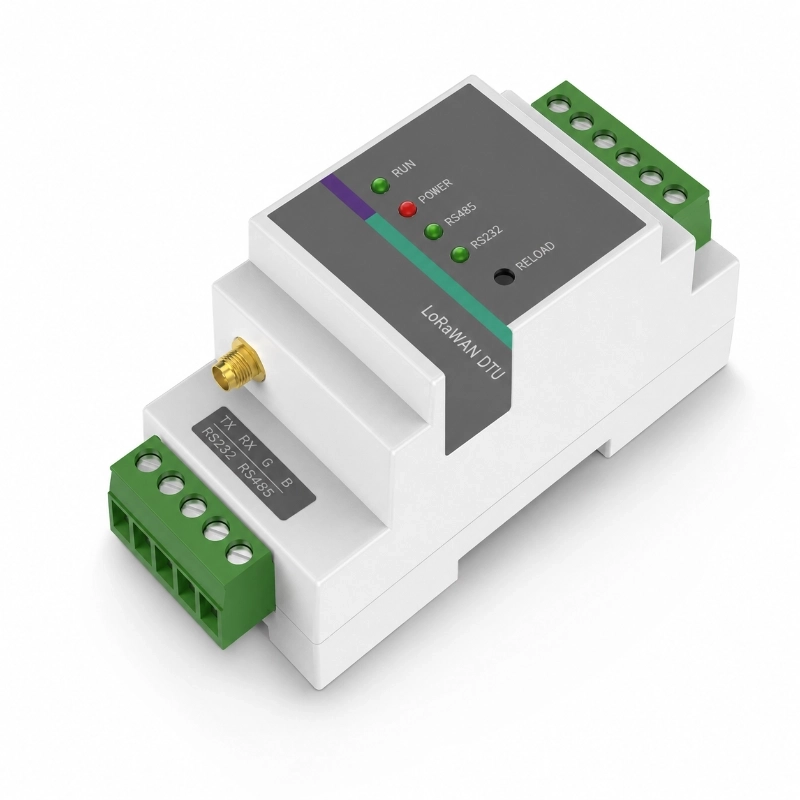
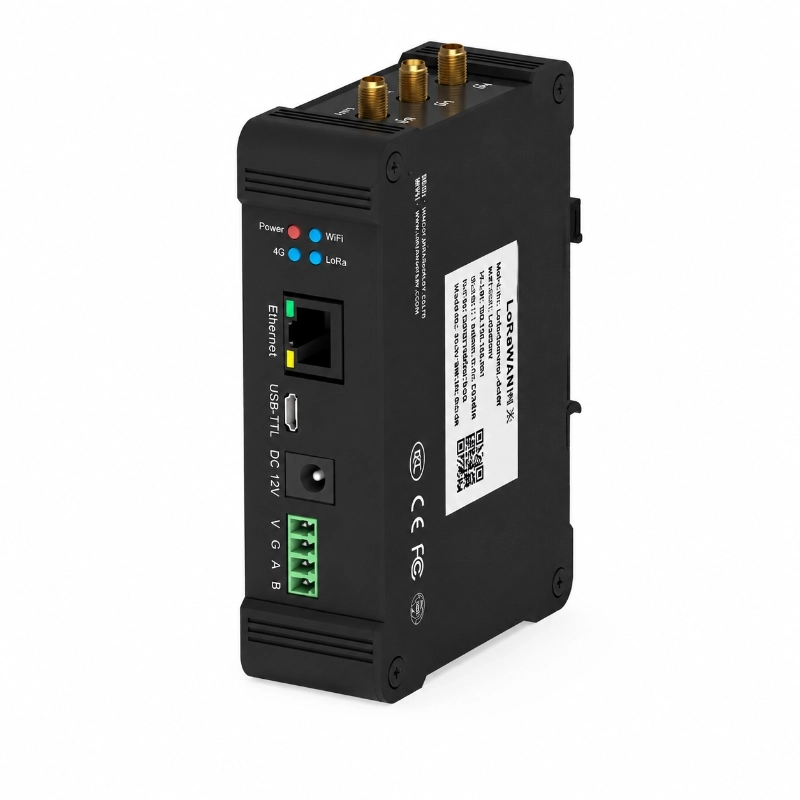
The JW-D9L Series Industrial LoRaWAN DTU is designed to connect existing RS485 and RS232 field devices to LoRaWAN networks without replacing the original instruments.
It can actively poll connected serial devices at scheduled intervals, forward serial data transparently through LoRaWAN, report data according to predefined conditions, and receive remote configuration commands.
This makes the DTU suitable for industrial monitoring, smart agriculture, water monitoring, utility telemetry and other projects where conventional serial devices need to be integrated into a wireless IoT network.
1. Product Description
The JW-D9L Industrial LoRaWAN DTU is a serial-to-wireless communication terminal developed for industrial IoT projects using RS485 or RS232 devices.
Many field instruments, meters, controllers and sensors already communicate through RS485 or RS232. When a project is upgraded to a wireless architecture, replacing all existing devices may not be necessary.
The D9L DTU provides a communication bridge between these serial devices and a LoRaWAN network.
Instead of sending raw data through long-distance serial cables, the DTU can collect data locally and transmit it wirelessly to a LoRaWAN gateway.
This architecture is especially useful for distributed monitoring points where wiring is difficult, expensive or inconvenient.
2. How the LoRaWAN DTU Works
A typical system architecture can be configured as:
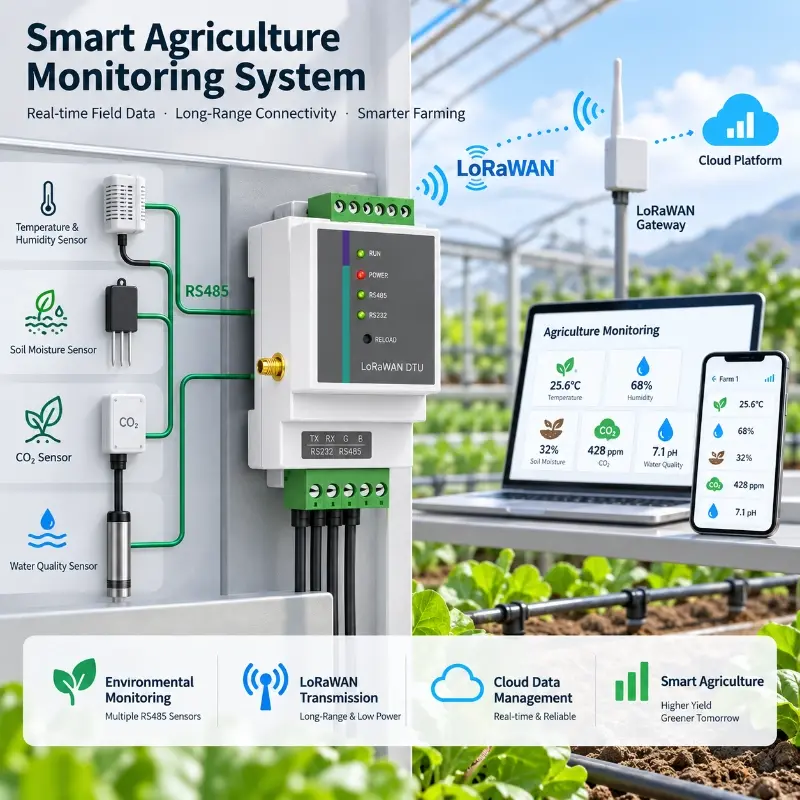
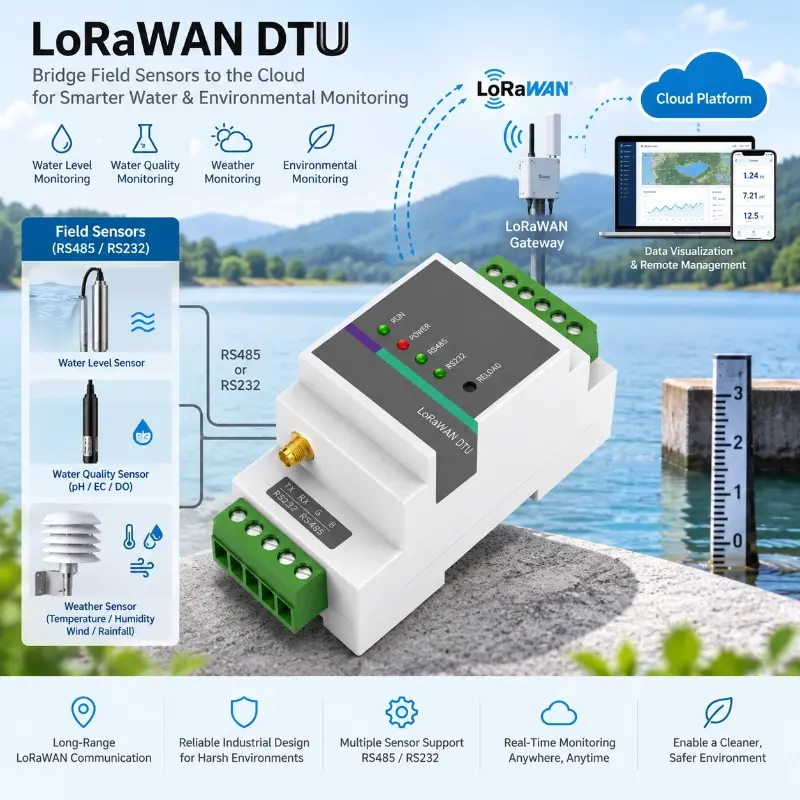
RS485 / RS232 Sensor or Instrument → JW-D9L LoRaWAN DTU → LoRaWAN Gateway → Network Server → Cloud Platform / SCADA / Third-Party System
The DTU communicates with the connected field device through its serial interface.
Depending on the project configuration, it can:
poll the device at scheduled intervals
transmit received serial data transparently
trigger reporting based on data changes
send heartbeat packets
receive remote configuration or control commands
The LoRaWAN gateway then forwards the wireless data to the selected network server or application platform.
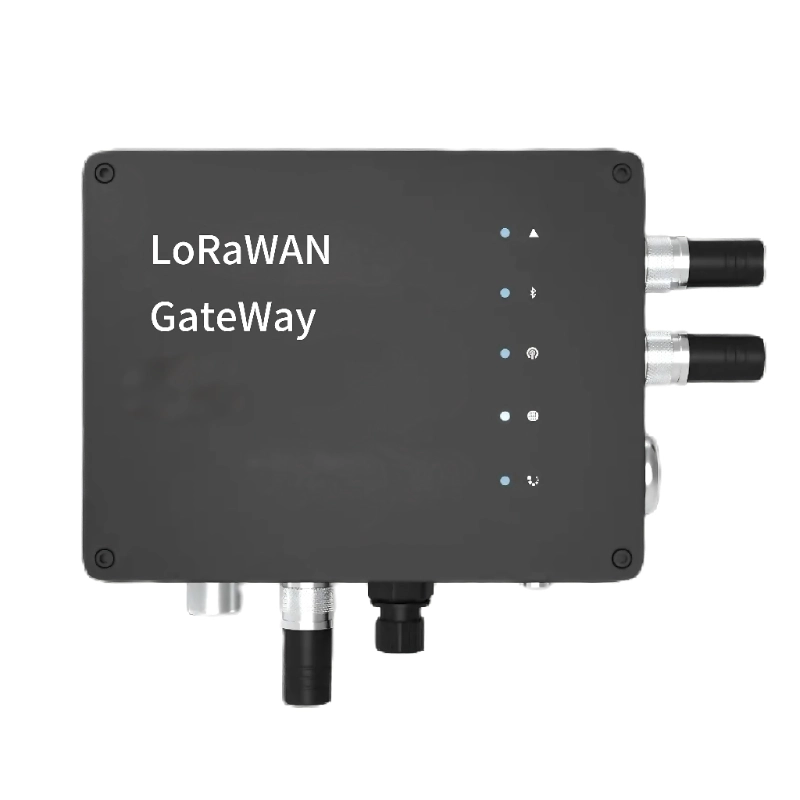
For a complete LoRaWAN field network, the DTU can be used together with JW-IoT communication products such as the Outdoor LoRaWAN Gateway available in the Communication Devices product category.
3. Designed for Existing RS485 and RS232 Devices
One of the main applications of this DTU is upgrading existing serial equipment to a LoRaWAN network.
Many industrial sensors and controllers already use:
RS485
RS232
serial polling
customized communication protocols
Replacing these instruments only to obtain wireless connectivity may add unnecessary project cost.
The D9L series allows the original serial equipment to remain in service while adding LoRaWAN communication at the field node.
This makes it suitable for retrofit projects as well as new IoT installations.
4. Active Serial Data Polling
Unlike a simple serial radio converter, the DTU can be configured to actively poll connected RS485 or RS232 devices.
Polling commands can be issued according to a scheduled interval.
A typical process is:
Send serial command → receive device response → process or package data → transmit through LoRaWAN
This function can be useful when field instruments do not automatically transmit measurements and must be queried by an external master device.
Possible connected equipment may include compatible:
industrial sensors
environmental monitoring instruments
meters
controllers
data acquisition equipment
RS485 field devices
RS232 instruments
The exact communication configuration should always be confirmed according to the protocol used by the connected device.
5. Conditional Data Reporting
The DTU supports conditional reporting based on changes between consecutive readings.
Instead of transmitting data continuously regardless of whether the reading has changed, the system can be configured to report according to the defined communication logic.
This type of reporting can help reduce unnecessary wireless traffic in monitoring applications where values remain relatively stable for long periods.
Actual reporting strategy should be selected according to:
required sampling interval
alarm response requirements
LoRaWAN network capacity
application server design
field device communication protocol
6. Transparent RS232 / RS485 over LoRaWAN Transmission
The DTU supports transparent serial data transmission.
In this mode, serial data received from an RS232 or RS485 device can be forwarded through the LoRaWAN communication link without requiring the field device itself to support LoRaWAN.
This is useful for system integrators working with:
legacy serial instruments
proprietary serial protocols
existing industrial equipment
customized field devices
The DTU therefore acts as a communication interface between the serial device layer and the LoRaWAN network layer.
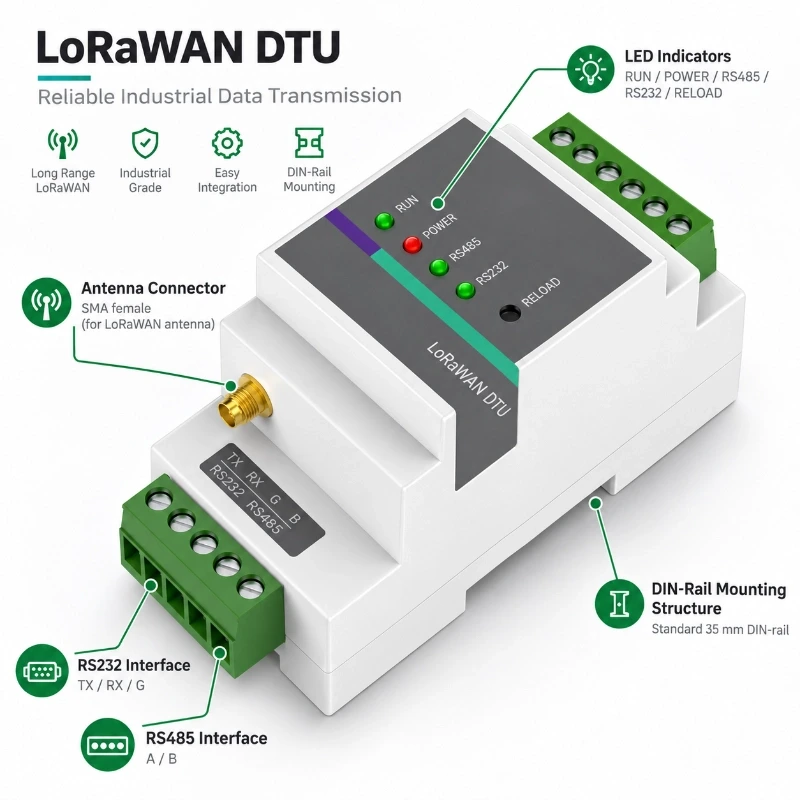
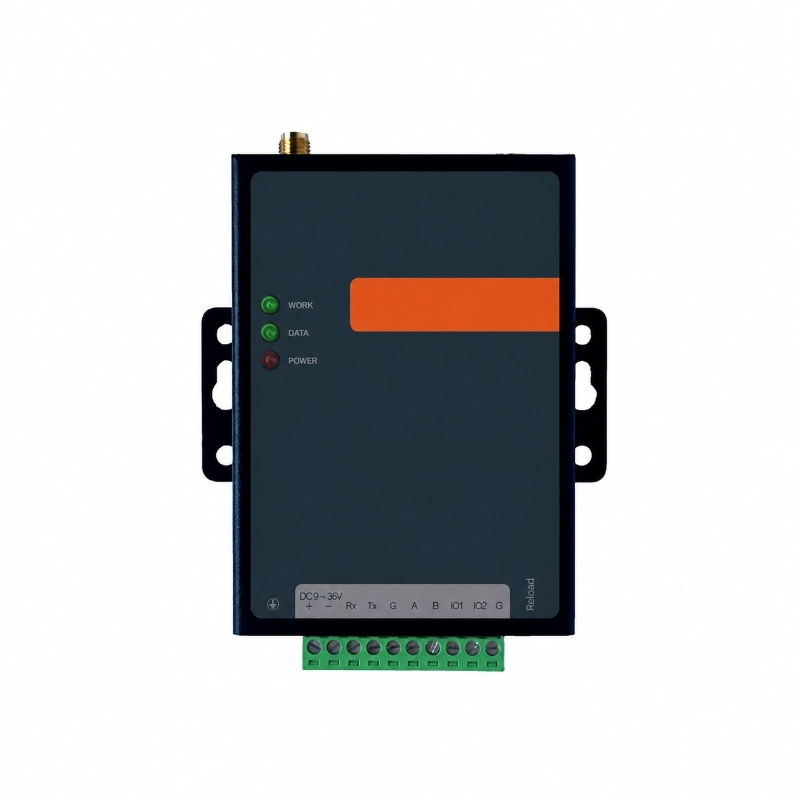
7. RS232 and RS485 Interfaces
The D9L series includes both serial interfaces.
Interface
Description
RS232
1 × DB9 interface
RS232 Signals
TXD / RXD / GND
RS485
1 × RS485 interface
RS485 Signals
A+ / B-
RS232 Default
115200 bps, 8N1
RS485 Default
9600 bps, 8N1
The availability of both RS232 and RS485 makes the DTU suitable for projects containing different generations of industrial equipment.
8. LoRaWAN Communication
The DTU communicates through LoRaWAN and supports configurable radio parameters for different regional deployments.
Parameter
D9L
D9P
LoRa Output Power
-1 to 22 dBm
-1 to 27 dBm
Spreading Factor
SF7–SF12 adjustable
SF7–SF12 adjustable
Receiver Sensitivity
-135 dBm @ SF12, BW125 kHz
-135 dBm @ SF12, BW125 kHz
LoRaWAN
1.0.3 and earlier
1.0.3 and earlier
Operating Mode
Class A / Class C
Class A / Class C
Supported regional frequency options shown in the existing product specification include:
EU433
CN470
CN779
EU868
AS923
AU915
KR920
The correct regional frequency band should be confirmed before ordering according to the LoRaWAN deployment country or region.
9. Remote Configuration and Heartbeat Communication
The DTU supports remote parameter configuration and command transmission.
This allows the communication logic to be adapted to different field devices and monitoring systems without changing the serial instrument itself.
Configurable functions can include:
polling interval
communication commands
serial communication parameters
user communication protocol
heartbeat packets
reporting logic
These functions are particularly useful in distributed deployments where multiple remote devices must follow a consistent communication strategy.
10. Industrial DIN-Rail Installation
The JW-D9L series is designed for 35 mm DIN-rail mounting.
This installation format is suitable for:
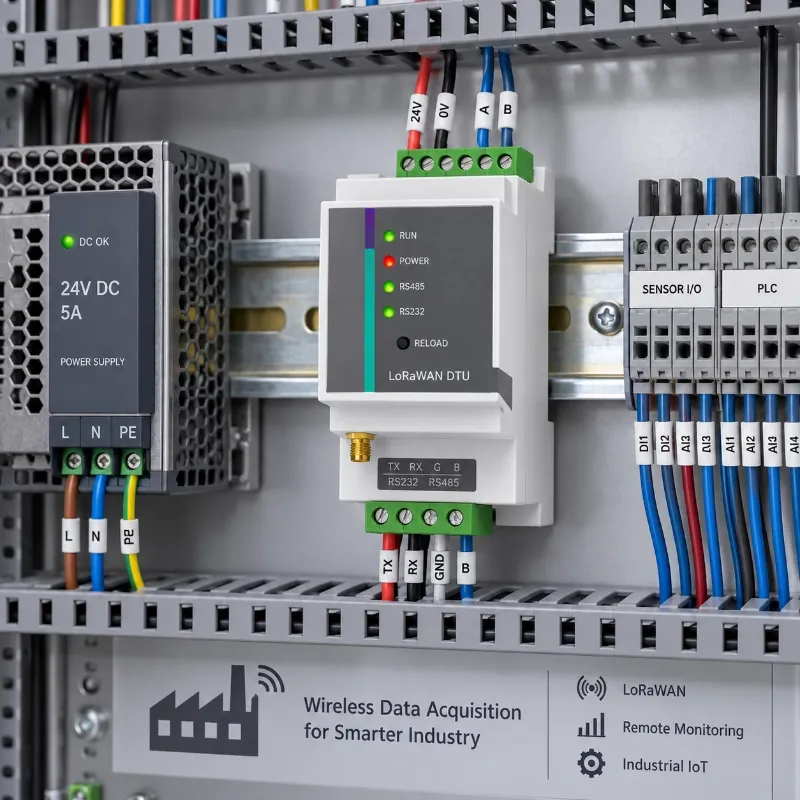
industrial control cabinets
automation panels
telemetry cabinets
monitoring enclosures
equipment rooms
DIN-rail mounting allows the DTU to be installed together with PLCs, power supplies, relays, terminal blocks and other industrial control equipment.
For outdoor installations, the DTU should be installed inside a suitable protective enclosure according to the environmental requirements of the project.
11. Technical Specifications
Parameter
D9L
D9P
LoRa Output Power
-1–22 dBm
-1–27 dBm
SF Range
SF7–SF12 adjustable
SF7–SF12 adjustable
Receiver Sensitivity
-135 dBm @ SF12 BW125 kHz
-135 dBm @ SF12 BW125 kHz
LoRaWAN Bands
EU433, CN470, CN779, EU868, AS923, AU915, KR920
EU433, CN470, CN779, EU868, AS923, AU915, KR920
RS232 / RS485 Isolation
Full, 15 kV ESD protection
Full, 15 kV ESD protection
RS232 Default
115200 bps, 8N1
115200 bps, 8N1
RS485 Default
9600 bps, 8N1
9600 bps, 8N1
Power Supply
DC12V 1A
DC12V 1A
Power Consumption
≤0.5 W
≤1 W
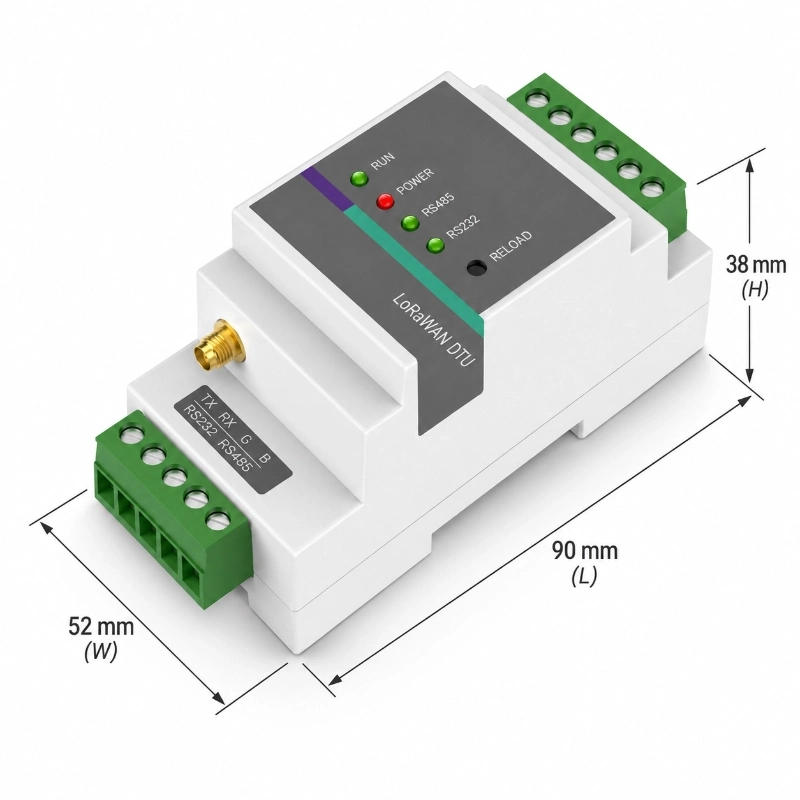
Dimensions
87.65 × 36.54 × 59.3 mm
87.65 × 36.54 × 59.3 mm
Weight
0.5 kg
0.5 kg
Operating Temperature
-40°C to 85°C
-40°C to 85°C
Storage Temperature
-50°C to 95°C
-50°C to 95°C
Humidity
0–95%
0–95%
Mounting
35 mm DIN rail
35 mm DIN rail
12. D9L vs D9P
The main difference between the two versions is the maximum LoRa transmit power.
D9L
Maximum transmit power:
22 dBm
Suitable for standard LoRaWAN network deployments where the required link budget can be achieved with the local gateway layout.
D9P
Maximum transmit power:
27 dBm
Designed for configurations requiring higher radio output power, subject to applicable regional LoRaWAN and radio regulations.
Transmit power should not be selected based only on the maximum available value.
Gateway location, antenna installation, terrain, obstacles, regional radio regulations and spreading factor all influence actual LoRaWAN communication performance.
13. Typical Applications
Industrial Equipment Monitoring
RS485 and RS232 equipment installed inside factories or equipment rooms can be connected to the DTU for wireless transmission to a LoRaWAN network.
Typical use cases include:
equipment status acquisition
industrial sensor monitoring
remote instrument data collection
factory telemetry
Smart Agriculture
Agricultural projects often contain distributed sensors or controllers that already use RS485 communication.
The DTU can connect compatible serial devices to a LoRaWAN network for applications such as:
greenhouse monitoring
irrigation monitoring
agricultural sensor networks
remote equipment telemetry
Water and Environmental Monitoring
RS485 instruments are widely used in environmental and water monitoring projects.
The DTU can therefore be used as the communication layer for distributed water or environmental monitoring points.
Utility and Infrastructure Monitoring
The D9L can also be integrated into telemetry cabinets used in utility and infrastructure projects where serial equipment must transmit data wirelessly.
Applications may include:
remote meters
equipment rooms
municipal monitoring
distributed infrastructure
remote telemetry nodes
14. When Should You Choose This LoRaWAN DTU?
The D9L series is especially suitable when:
your existing equipment already has RS485 or RS232
replacing the field device is unnecessary
a LoRaWAN network is available or planned
active serial polling is required
transparent serial transmission is required
the DTU will be installed inside a cabinet
DIN-rail installation is preferred
remote communication parameters need to be configurable
It is particularly useful for serial-device retrofit projects.
15. How Is It Different From a Battery-Powered LoRaWAN DTU?
JW-IoT provides different communication terminals for different installation conditions.
This DIN-rail D9L series is designed primarily for installations where external DC power and cabinet mounting are available.
For remote outdoor locations where battery operation and a weather-resistant enclosure are more important, a battery-powered LoRaWAN DTU may be more appropriate.
In most LoRaWAN monitoring systems, both field nodes and one or more gateways are required.
17. Accessories
Standard accessories shown for the existing product include:
1 × DTU main unit
1 × DC12V 1A power adapter
1 × LoRa antenna, blade or suction type
Accessories and antenna configuration should be confirmed according to the final project requirement.
18. Integration Considerations Before Ordering
To select and configure the correct DTU version, provide the following information:
1. Field device interface RS485 or RS232?
2. Communication protocol Modbus RTU or a customized serial protocol?
3. Baud rate and serial parameters For example, baud rate, data bits, parity and stop bits.
4. Polling method Does the DTU need to actively query the field device?
5. Required reporting interval How frequently should data be transmitted?
6. LoRaWAN regional band For example EU868, AS923 or AU915.
7. Network architecture Existing LoRaWAN gateway or new gateway deployment?
8. Application platform JW-IoT platform, private server or third-party platform?
Providing these details before configuration helps reduce integration work during field deployment.
Build Your RS485 / RS232 LoRaWAN Network
If your existing sensors, meters or controllers already use RS485 or RS232, you may not need to replace them when building a LoRaWAN monitoring network.
JW-IoT can help evaluate:
serial device compatibility
polling requirements
LoRaWAN frequency selection
DTU and gateway configuration
field network architecture
platform integration
Send us the model, serial protocol, baud rate and deployment region of your field device, and we can help determine the appropriate communication configuration.
 +86 13520127780
  info@jingelway.com